PROMPT RECORD图像记录
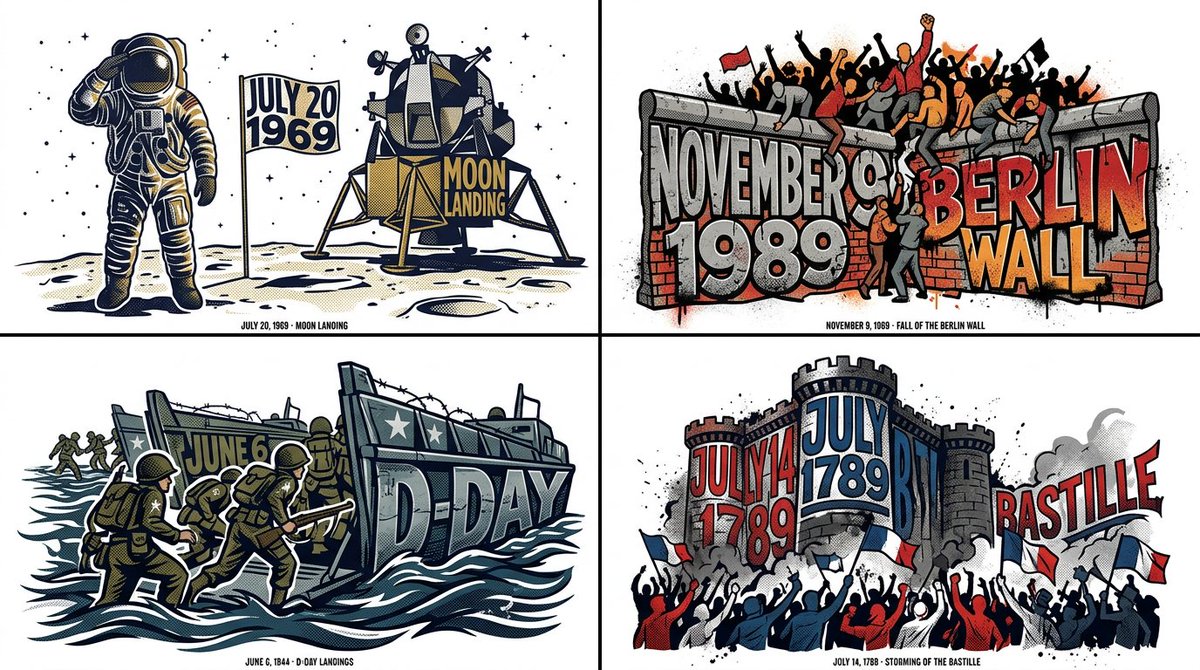
2x2 网格,16:9,为历史上4个著名的日子执行此操作:// ADOBE ILLUSTRATOR JSX 脚本:ENVELOPE_DISTORT_TYPOGRAPHY // TARGET_S...
中文说明
2x2 网格,16:9,为历史上4个著名的日子执行此操作:// ADOBE ILLUSTRATOR JSX 脚本:ENVELOPE_DISTORT_TYPOGRAPHY // TARGET_STRING: "[WORD/CONCEPT]" var doc = app.activeDocument; // AI 推断:定义顶部对象(模具) var targetShape = "AI_INFER(Create a pathItem forming the silhouette of a symbol representing [WORD/CONCEPT])"; // 定义文本框 var textFrame = doc.textFrames.add(); textFrame.contents = "[WORD/CON...
原始 Prompt
2x2 grid, 16:9, do this for 4 famous days in history: // ADOBE ILLUSTRATOR JSX SCRIPT: ENVELOPE_DISTORT_TYPOGRAPHY
// TARGET_STRING: "[WORD/CONCEPT]"

var doc = app.activeDocument;

// AI INFERENCE: Define the Top Object (The Mold)
var targetShape = "AI_INFER(Create a pathItem forming the silhouette of a symbol representing [WORD/CONCEPT])";

// Define the Text Frame
var textFrame = doc.textFrames.add();
textFrame.contents = "[WORD/CONCEPT]";
textFrame.textRange.characterAttributes.textFont = app.textFonts.getByName("Impact-Heavy");

// EXECUTE ENVELOPE DISTORT: MAKE WITH TOP OBJECT
var envelope = doc.pluginItems.addEnvelope(textFrame, targetShape);

// AI INFERENCE: Apply Graphic Styling
envelope.applyEffect("AI_INFER(Add thematic textures like circuit lines, flowing hair, or ink splatters matching the concept)");
envelope.fillColor = "AI_INFER(Thematic Palette)";

/* RENDER DIRECTIVE: Visually output the result of this Illustrator script. The text must be flawlessly molded into the shape, retaining legibility while becoming a striking piece of symbolic art. Pure white background. */