 1/4
1/4
PROMPT RECORD图像记录
嗨 Bobo, 这个方法简单得离谱,尤其是在 ChatGPT 应用里有无限图像生成功能的情况下。 我用它来做两件事:学习现有风格,或者把 Pinterest/Cosmos 上的参考图混合起来,...
中文说明
嗨 Bobo, 这个方法简单得离谱,尤其是在 ChatGPT 应用里有无限图像生成功能的情况下。 我用它来做两件事:学习现有风格,或者把 Pinterest/Cosmos 上的参考图混合起来,打造一种全新的风格。 1. 学习现有风格 收集至少四张你想要复刻风格图片。把它们上传到 ChatGPT,然后说: “Study the visual language across these references and generate 10 original variations using the same colour, texture, composition and lighting principles.” 挑出最接近你想要效果的那张结果。给这个风格起一个容易记的名字,比如 “Dither Landscap...
原始 Prompt
Hi Bobo,

The method is stupidly simple, especially with the unlimited image generation within ChatGPT app.

I use it in two ways: learning an existing style or mixing references from Pinterest/Cosmos to build a completely new one.

1. Existing style

Collect at least four images of the style you would like to replic. Upload them into ChatGPT and say:

“Study the visual language across these references and generate 10 original variations using the same colour, texture, composition and lighting principles.”

Pick the result that gets closest to the look. Give the style a memorable name, like “Dither Landscape,” then pin the chat.

That pinned chat is now your reusable style preset. Next time you need an image, open it and describe what you want. ChatGPT already has the references and previous outputs in context, so the consistency is much better than starting from scratch every time.

2. Creating a new style

Grab ten references from Pinterest or Cosmos. I normally combine two different aesthetics, five images from each, to create something new. Similar to your approach, @poistudioltd.

Upload all ten and say:

“Combine the visual principles from these two aesthetics into one original, reusable art direction. Generate 10 examples that show how the style works across different subjects.”

Choose the strongest direction, give it a specific name and pin the chat. Keep generating inside that conversation whenever you want to use the style again.

That’s literally it. Your pinned chats become a library of reusable visual styles.

If you want, I can make a proper tutorial showing how I choose references, write the first prompt and stop the style from drifting.

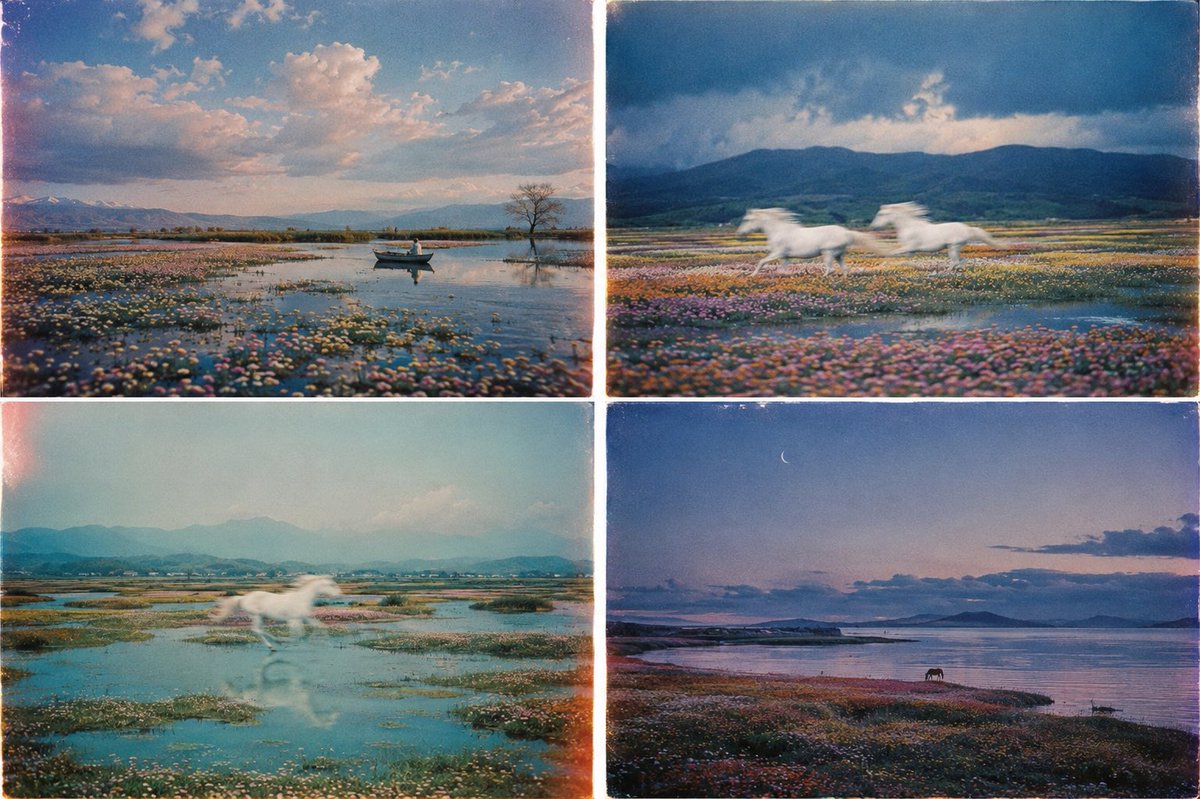
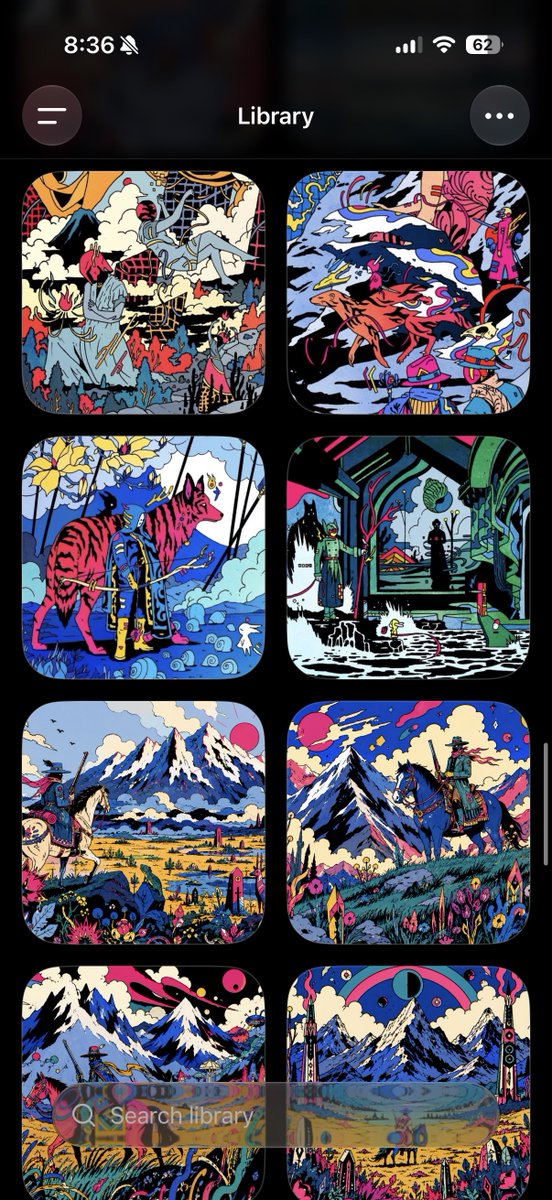
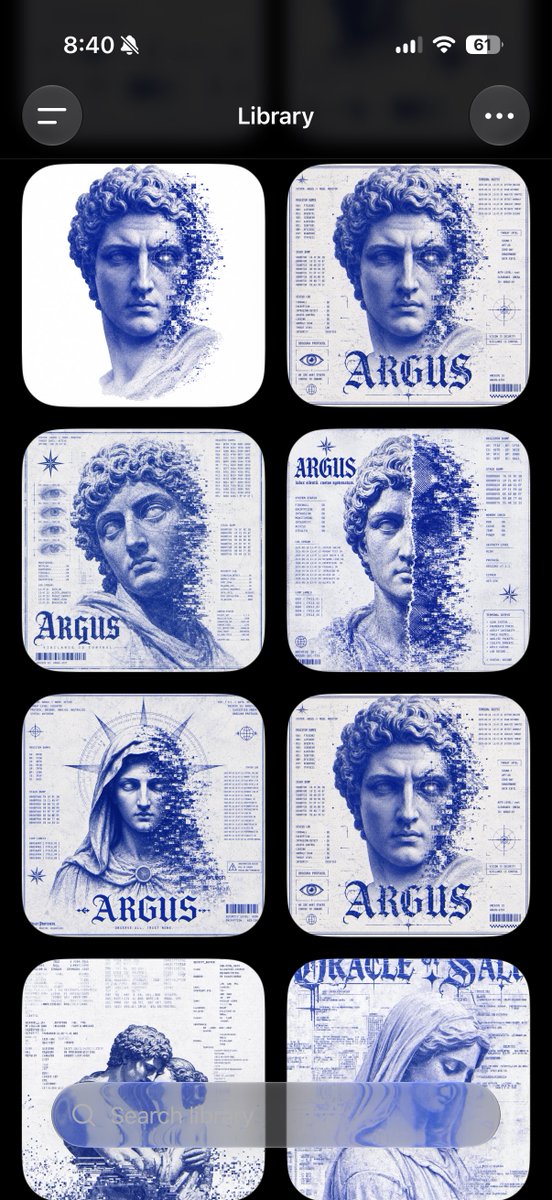
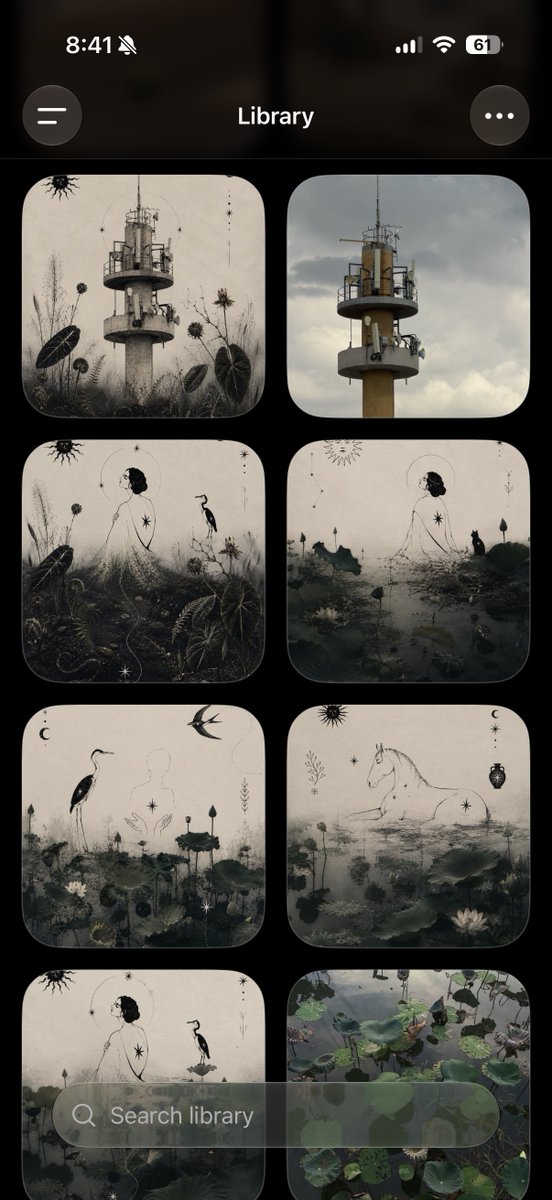
Below are some images I have created using ChatGPT: