 1/4
1/4
PROMPT RECORD图像记录
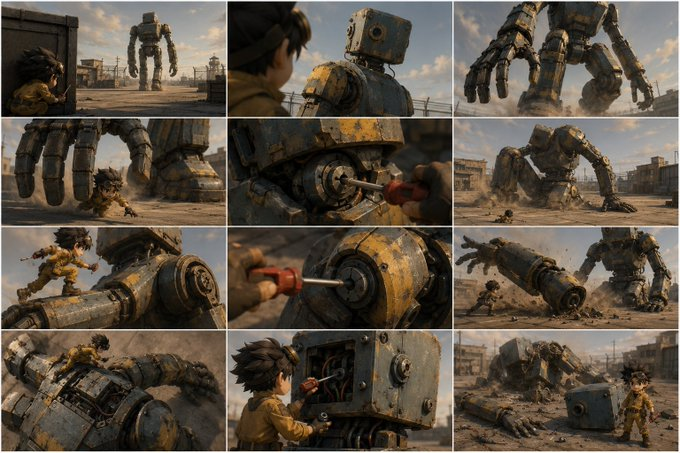
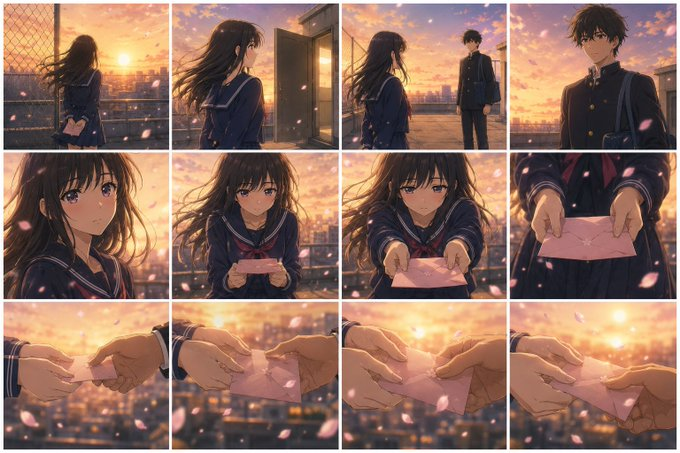
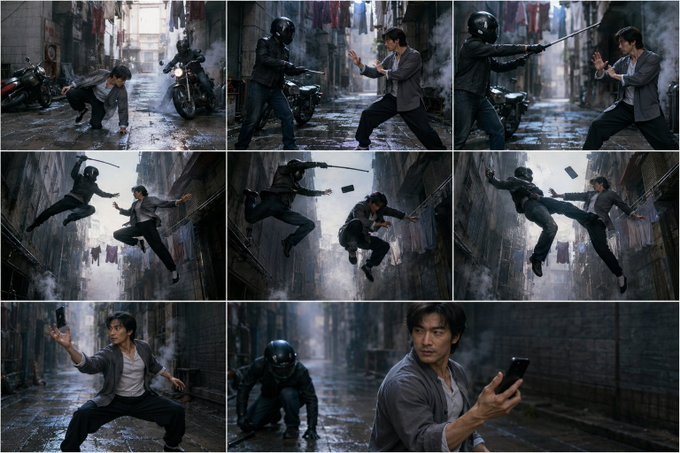
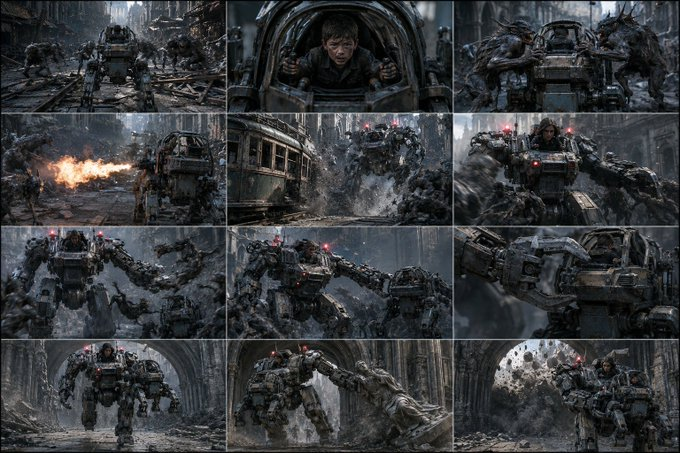
将下面的 VIDEO PROMPT 转换成一张完整的故事板联系表。自动将可见动作分解为适当数量的关键帧。对于简单场景使用较少面板,对于复杂动作、道具连续性、变形、多个角色或重要反应使用更多面板...
中文说明
将下面的 VIDEO PROMPT 转换成一张完整的故事板联系表。自动将可见动作分解为适当数量的关键帧。对于简单场景使用较少面板,对于复杂动作、道具连续性、变形、多个角色或重要反应使用更多面板。每个面板必须是来自同一视频世界的完整电影静帧,而不是粗略草图或书面镜头列表。 规则: - 以干净的自适应网格排列面板,按从左到右、从上到下的时间顺序。 - 整体表可以使用任何所需的宽高比,以保持所有面板可读。 - 保持角色身份、服装、道具、环境、灯光、风格、屏幕方向、角色数量和物体连续性。 - 每个面板仅显示一个清晰的可见时刻。对于动作,选择最强可读帧,通常是接触、冲击、反应、变形结果或最终位置。 - 不要发明新角色、道具、动作或地点。 - 不要添加字幕、面板编号、箭头、对话、字幕、声音提示、相机注释或解释性文本。 VI...
原始 Prompt
Turn the VIDEO PROMPT below into one finished storyboard contact sheet. Break the visible action into the appropriate number of keyframes automatically. Use fewer panels for simple scenes and more panels for complex action, prop continuity, transformations, multiple characters, or important reactions. Each panel must be a completed cinematic still from the same video world, not a rough sketch or written shot list.
Rules:
- Arrange panels in a clean adaptive grid, in chronological order from left to right and top to bottom.
- The overall sheet can use any aspect ratio needed to keep all panels readable.
- Preserve character identity, wardrobe, props, environment, lighting, style, screen direction, character count, and object continuity.
- Each panel shows one clear visible moment only. For an action, choose the strongest readable frame, usually contact, impact, reaction, transformation result, or final position.
- Do not invent new characters, props, actions, or locations.
- Do not add captions, panel numbers, arrows, dialogue, subtitles, sound cues, camera notes, or explanatory text.

VIDEO PROMPT:
-Enter your video prompt here-